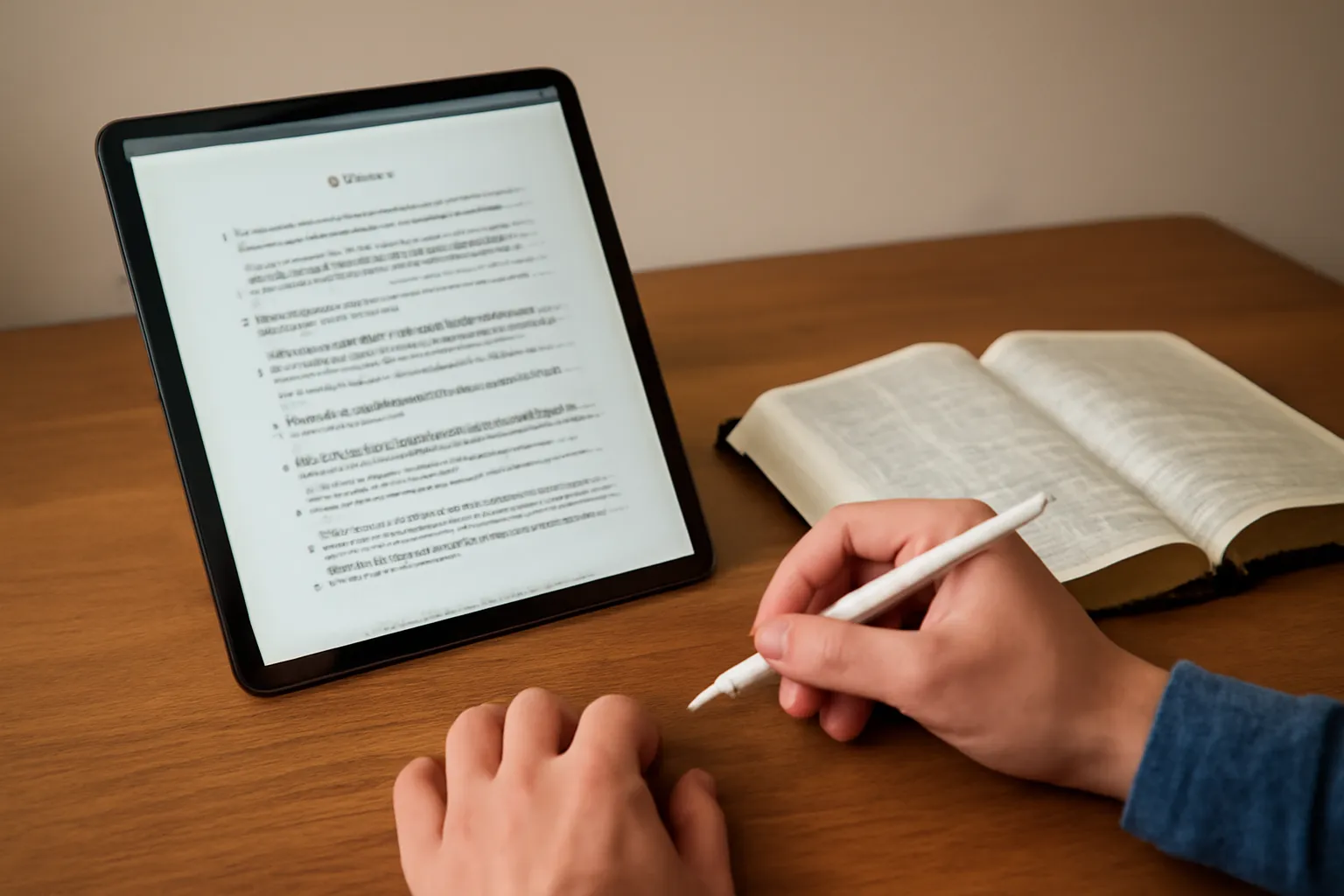
ipad bible study: The Ultimate Guide to Studying the Bible on an iPad
The iPad has become a powerful companion for Bible study, blending portability, readability, and a vast ecosystem of apps. Whether you are a casual reader, a student preparing for a class, or a researcher poring over original language resources, the right approach to ipad bible study can transform the way you engage with Scripture. This guide walks you through practical steps, best practices, and thoughtful workflows to help you maximize your time, focus, and understanding when studying the Bible on an iPad.
Why choose an iPad for Bible study?
Using an iPad for iPad Bible study offers several advantages over traditional print or other devices:
Portability and screen quality: A lightweight device with a high-resolution display makes long reading sessions comfortable and reduces eye strain.
Access to diverse resources: You can access multiple Bible translations, original language tools, lexicons, concordances, and study guides in one place.
Sync and continuity: Notes, highlights, and reading progress can sync across devices via cloud services, so you can switch between your iPad, iPhone, or computer seamlessly.
Annotation and search: Digital tools enable quick search, cross-referencing, and robust annotation workflows that are harder to replicate on paper.
Costs and updates: Many apps offer free tiers with reliable translations and affordable upgrades, plus regular updates with new features.
Getting started: what you need for iPad bible study
Before diving into study, set up a workflow that reduces friction and distractions. Here are essential considerations:
Choose a reliable iPad model with enough performance and storage to handle apps and offline libraries. Even mid-range iPads can handle most Bible study tasks, but newer models offer better responsiveness and a brighter display for readability in various lighting conditions.
Operate with the latest iPadOS to ensure compatibility with the newest features, fonts, and accessibility options.
Install a core suite of apps tailored to your study style. A common setup includes a primary Bible app, a cross-reference/lexicon tool, a note-taking app, and a cloud storage service for backups.
Set up cloud syncing for notes, highlights, and bookmarks. Decide whether you prefer iCloud, Google Drive, Dropbox, or a platform-specific sync that comes with a chosen Bible app.
Establish a daily routine that includes a specific time, a selected translation, and a consistent method for taking notes. Consistency is more important than sheer volume when building a healthy habit of Bible study on an iPad.
Popular apps and how they support ipad bible study
There are several standout options for Bible study on the iPad. Each has strengths that can shape your study workflow, depending on whether you prioritize readability, original-language tools, sermon resources, or personal note-taking.
Olive Tree Bible App and Friends
Olive Tree is a versatile platform known for its robust offline capabilities, extensive library, and strong note-taking features. It shines in iPad Bible study settings where people want to download vast amounts of content for offline use, annotate directly in the text, and organize study material with folders and tags.
YouVersion (often called the YouVersion Bible App) provides a user-friendly interface, many translations, and built-in daily reading plans. It’s ideal for ipad bible study routines that emphasize devotionals, community sharing, and quick cross-references. While it’s excellent for reading and basic annotation, you may combine it with other apps for deeper study.
Tecarta Bible and Reference Tools
Tecarta offers strong original-language tools, strong interlibrary cross-references, and a focus on study efficiency. For iPad Bible Study sessions that involve word studies, lexicons, and robust search capabilities, Tecarta is a solid choice to pair with other resources.
Logos Bible Software
Logos is a premier platform for serious study, with extensive library options, powerful search capabilities, original-language resources, and robust note-taking. If your goal is an in-depth academic or sermon-ready study on the iPad, Logos Bible Software often serves as the backbone of many study workflows.
Blue Letter Bible and Cross-Reference Tools
Blue Letter Bible emphasizes strong cross-references, lexical resources, and accessible commentary. It’s a practical companion for ipad bible study when you want to quickly look up word studies and biblical dictionaries during reading.
Study methods for the iPad bible study workflow
Adopting a structured approach helps you extract more meaning from Scripture. Consider these time-tested methods and how they translate to the iPad’s digital environment:
Read-through and reflection
Choose a translation that balances readability with accuracy (e.g., a popular modern translation for daily reading, or a more literal translation for study).
Read a passage slowly, and highlight or underline key phrases using your preferred app. Make a note of questions and initial impressions in the notes field.
Finish with a brief reflection in a digital journal, linking the passage to other verses or themes you’re studying.
Inductive Bible study on the iPad
Inductive study emphasizes Observation, Interpretation, and Application. On an iPad, you can implement this with:
Observation: Mark what the text says, list literary features, and note repeated words or phrases using highlights and notes.
Interpretation: Use commentaries, lexicons, and cross-references to understand meaning within historical and literary contexts. Create a research list for further study.
Application: Write actionable takeaways for today, and record personal commitments or changes you intend to make.
Word studies and original languages on the iPad
When delving into Greek or Hebrew, your iPad becomes a portable seminary. Consider these steps:
Utilize interlinear resources or lexical databases available in your chosen Bible app.
Open multiple panes or split-screen views to compare word forms, definitions, and occurrences across the Bible.
Tag words with study notes, so you can quickly retrieve all occurrences or themes later on.
Topical and sermon prep workflows
If you’re preparing for group study or preaching, a structured approach helps you organize content efficiently on the iPad:
Create an outline for your topic and collect supporting verses in a dedicated folder or notebook.
Link verses to commentaries and sermon notes, and maintain a separate section for illustrations or anecdotes.
Export outlines or notes for sharing with a team or church group, using share features built into the Bible app or Notes app.
Note-taking, annotation, and organization on the iPad bible study platform
Effective annotations and structured note-taking are central to a productive ipad bible study routine. Here are practical strategies:
Highlighting and color-coding
Use color codes to categorize information, such as:
Verse meaning (themes, key phrases)
Cross-references to other passages
Application notes (how it applies today)
Note-taking best practices
Build a simple, repeatable structure for your notes:
Vast digital libraries thrive on a strong tagging system. Use tags such as themes, people, locations, doctrinal concepts, and practical applications to retrieve related notes quickly.
Managing your library: organization for ipad bible study success
Organization helps you scale your study. Consider the following structure to keep your resources tidy and accessible:
Library structure
Translations – group by translation family and readability level
Commentaries – categorize by author, era, and focus (historical, theological, pastoral)
Lexicons and dictionaries – Hebrew, Aramaic, and Greek references
Past notes – archive completed studies to reduce clutter
Folders, notebooks, and dashboards
Use a combination of folders and notebooks to segregate by topic, book, or study series. A dashboard or home page can provide quick access to your daily reading plan, current study topic, and recent notes.
Sync and backups
To prevent data loss, enable automatic backups and choose a reliable cloud service. Regular backups are essential for ipad bible study continuity, especially if you rely heavily on notes, highlights, and custom resources.
Offline reading and offline study on the iPad
Offline access is critical for areas with limited connectivity or for long flights and travels. Here’s how to optimize offline ipad bible study workflows:
Download translations and resources in advance within your Bible app for offline use.
Save key study notes and resources on the iPad’s local storage to ensure you can access them without the internet.
Use offline dictionaries and lexicons where available to support word studies without network access.
Multimodal study: audio, video, and visual aids
Enhance your study by integrating different media formats available on the iPad. Multimodal study can deepen understanding and retention:
Audio readings or sermon recordings paired with the text
Video lectures and taught sessions that explore themes, languages, or historical contexts
Visual maps and timelines to place biblical events in context
Productivity and focus: creating an effective ipad bible study environment
Productivity settings can help you get the most out of each study session while minimizing distractions:
Device and app environment
Enable Focus or Do Not Disturb during study times to reduce interruptions
Use a comfortable font size and day/night reading modes for comfortable, long sessions
Organize homescreen with a dedicated Bible study folder containing your primary apps
Study routines and time management
Set a realistic daily or weekly study goal, such as a chapter or a chapter plus a verse-by-verse study
Schedule blocks for different activities: reading, word study, cross-referencing, and note review
Review and consolidate progress weekly to strengthen understanding and retention
Collaborative study: group bible study on the iPad
Group study on the iPad can be highly effective when you leverage sharing features, collaborative notes, and screen sharing. Consider these approaches:
Shared notes in cloud-backed apps allow multiple participants to contribute ideas and insights.
Live screensharing during a study session or online meeting to review a passage and annotations together.
Use group reading plans and synchronized progress to keep everyone aligned.
Accessibility and inclusivity in ipad bible study
Accessibility features help readers with different needs engage more deeply with Scripture. The iPad provides robust options to customize the study experience:
Dynamic type and larger text for readability
VoiceOver and assistive technologies for navigation and content access
High-contrast modes and customizable color schemes to reduce eye strain and improve legibility
Closing notes: making the most of ipad bible study)
Using an iPad to study the Bible can be transformative when you pair thoughtful methods with reliable tools. The right combination of reading plans, annotation workflows, and offline accessibility allows for a flexible, focused, and enriching study experience. Remember that the goal of ipad bible study is not just to accumulate knowledge, but to deepen understanding, foster meaningful applications, and grow in relationship with God through Scripture.
In summary, here are quick takeaways for a successful iPad bible study practice:
Choose a core set of apps that fit your style and keep your library organized with clear tagging.
Create a consistent routine that blends reading, study, and reflection, supported by effective note-taking.
Explore multiple study methods—devotional reading, inductive analysis, word studies, and sermon prep—to build breadth and depth.
Take advantage of offline capabilities for uninterrupted study anywhere, anytime.
Engage with others through group study features and shared notes to enhance understanding and accountability.